
I have used my bullet journal for the better part of a decade, and really like the flexibility it gives me to log my day and what needs to be done. In this article, we will look at my bullet journal weekly spread that I have been using with great results.
In addition to my bullet journal, I also have been using Remember the Milk as my task manager. For a long time I would transfer the tasks for the day from RTM into my bullet journal and work from there. As I’m sure you can understand, this was not very efficient.
About 6 months ago, I started doing a new method to manage and balance tasks within my bullet journal. I set up a two page spread for the week and use it to track my tasks and projects for the week.
Let’s take a look.
The Three Types of Things I Track
I have three different types of tasks that I track.
- Maintenance tasks. These are the tasks that repeat on varying cadences. These cover everything from house hold tasks to planning to self-care.
- Long-term project tasks. These are tasks that need to be done consistently in order to make the most progress on them. These are tasks like musical instrument practicing, learning a language and craft projects. These typically don’t have a due date.
- Project tasks. These are the tasks to move my projects forward. These projects have deadlines, and the tasks happen to meet those deadlines.
The Weekly Spread
The weekly spread takes up two pages in my bullet journal. The left-hand page is the maintenance tasks, and the right page is long-term and project tasks.
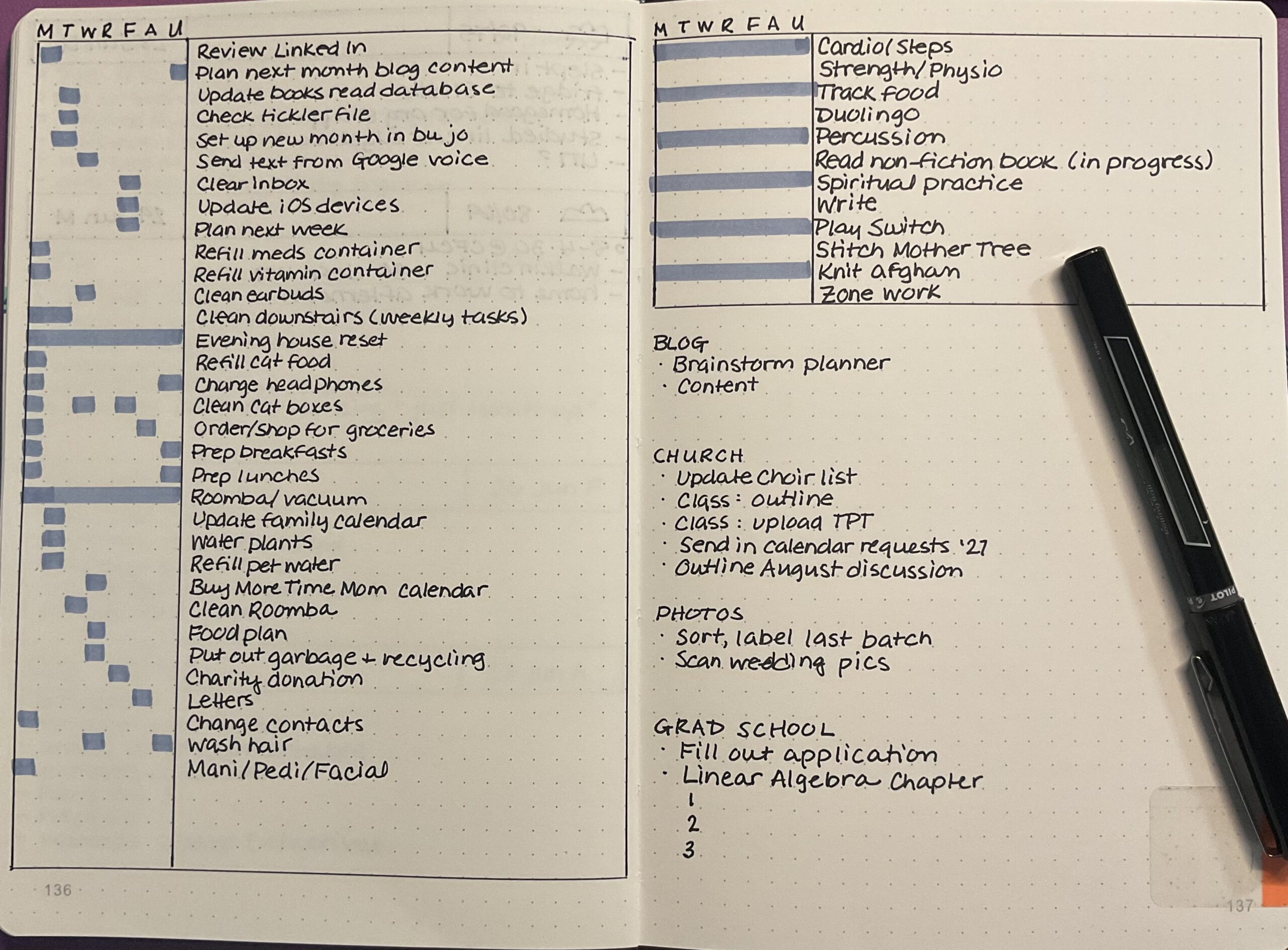
The Maintenance Tasks
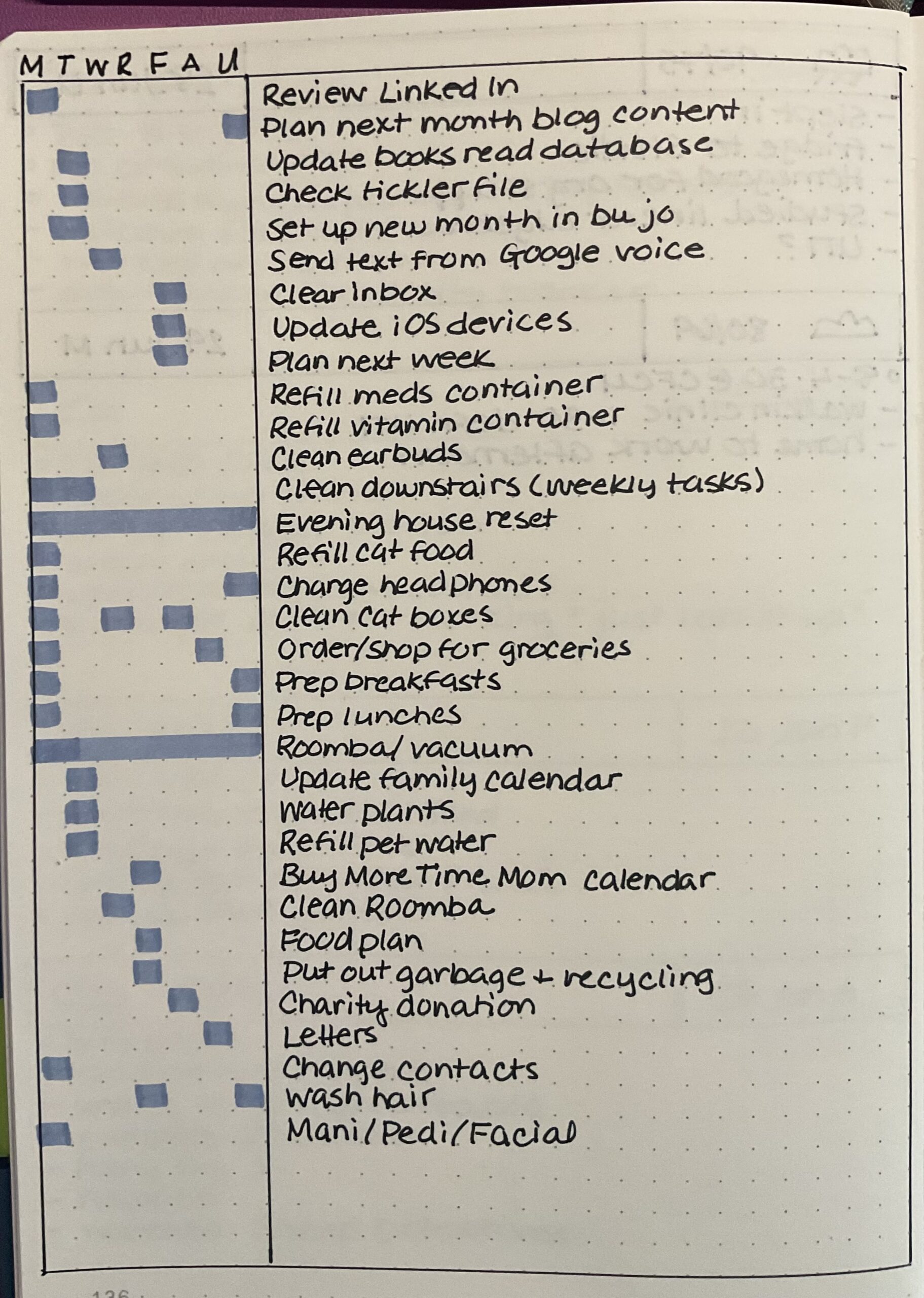
I list out all of my maintenance tasks (pulled from my task manager, Remember The Milk). Then I use a highlighter to indicate which day the task is slotted for. Rarely does a task absolutely have to be done on a certain day, allowing for slippage. If a task has to be done on a certain day or not at all, I draw a box around the day it has to be done with black pen.
Long-Term Project Tasks
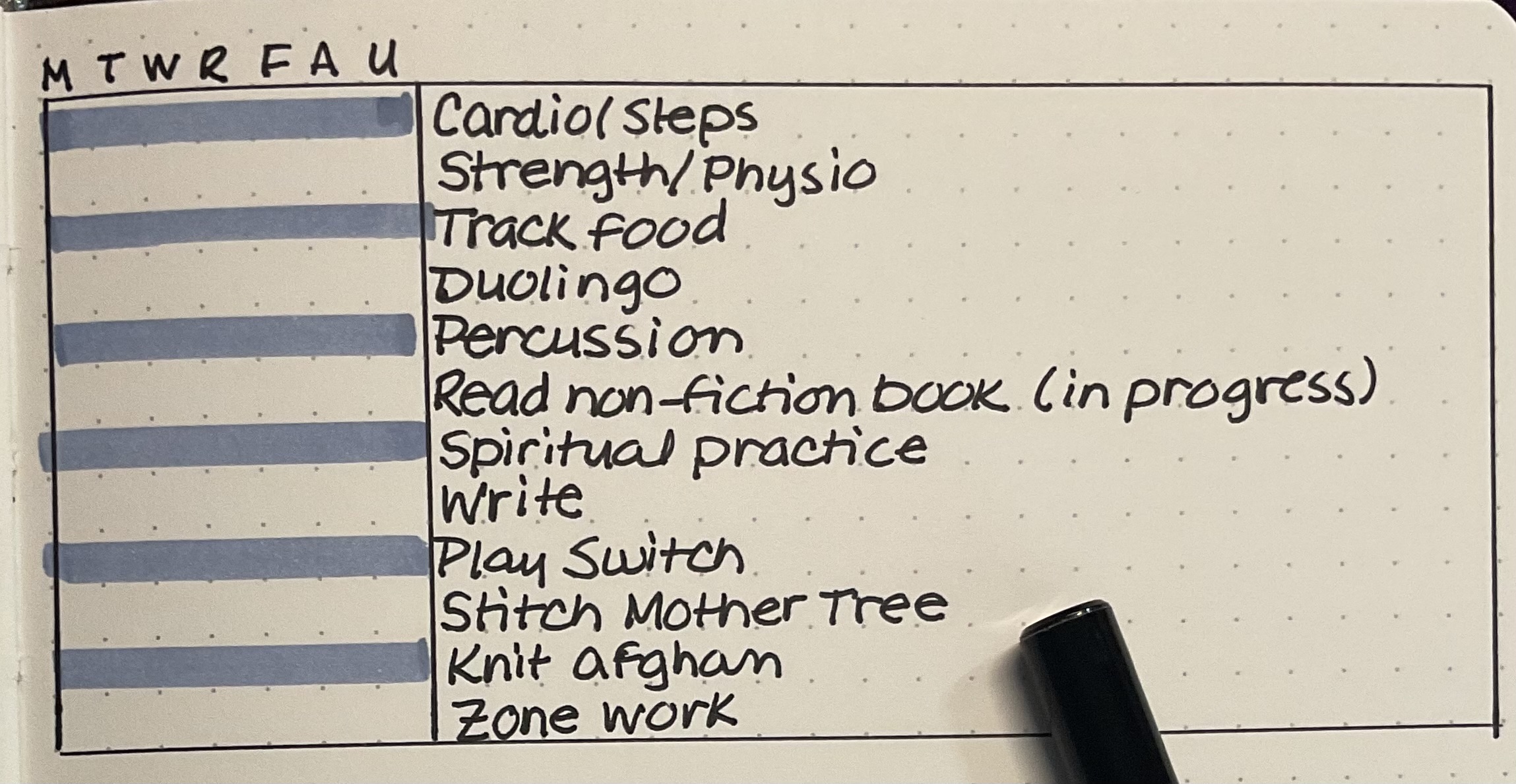
This section is a reminder of what tasks need to be done to move my long-term projects forward.
It also serves as a reminder at the end of the week: did I exercise enough? Track my food? I can judge how much I have given to things that are important as well as the projects with a “finish” state.
I don’t typically hit all the things in a given day. But it is good to know at the end of the week that I haven’t done any writing or worked on one of my craft projects.
I use the highlighter here so that I can easily track the rows with my eyes.
Project Tasks
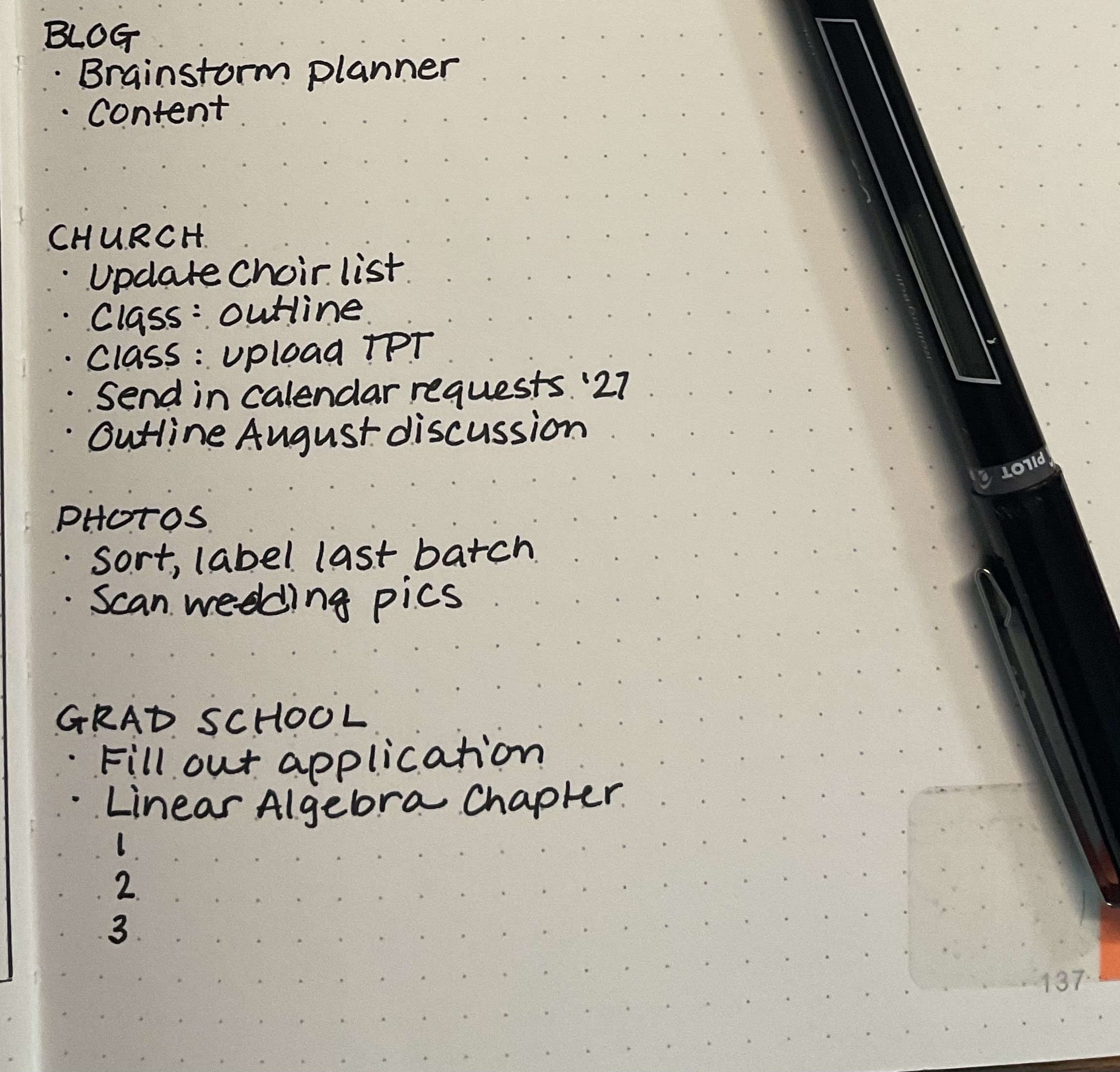
My project tasks are those that are needed to complete projects with deadlines.
I break them down by my focus areas for organization.
In the example above, I have a deadline of scanning my photos because I don’t want to pay for another year of the software. I have a generic entry for blog content because I track that elsewhere. And if there are multiple tasks (church class and linear algebra) I list them out.
In Conclusion
I have found that using this system for planning my weeks allows me to see everything at a glance and get things done. I am finding I am more consistent with not only my long-term projects, but the daily stuff. And with the project tasks listed, I am more likely to do those as well.


One Comment
Zack
I love the ritual of a bullet journal! The struggle with manual transfers is so real though. I’ve started using Taskai on my Android to capture quick tasks via chat so I don’t forget them before I actually sit down to journal.